
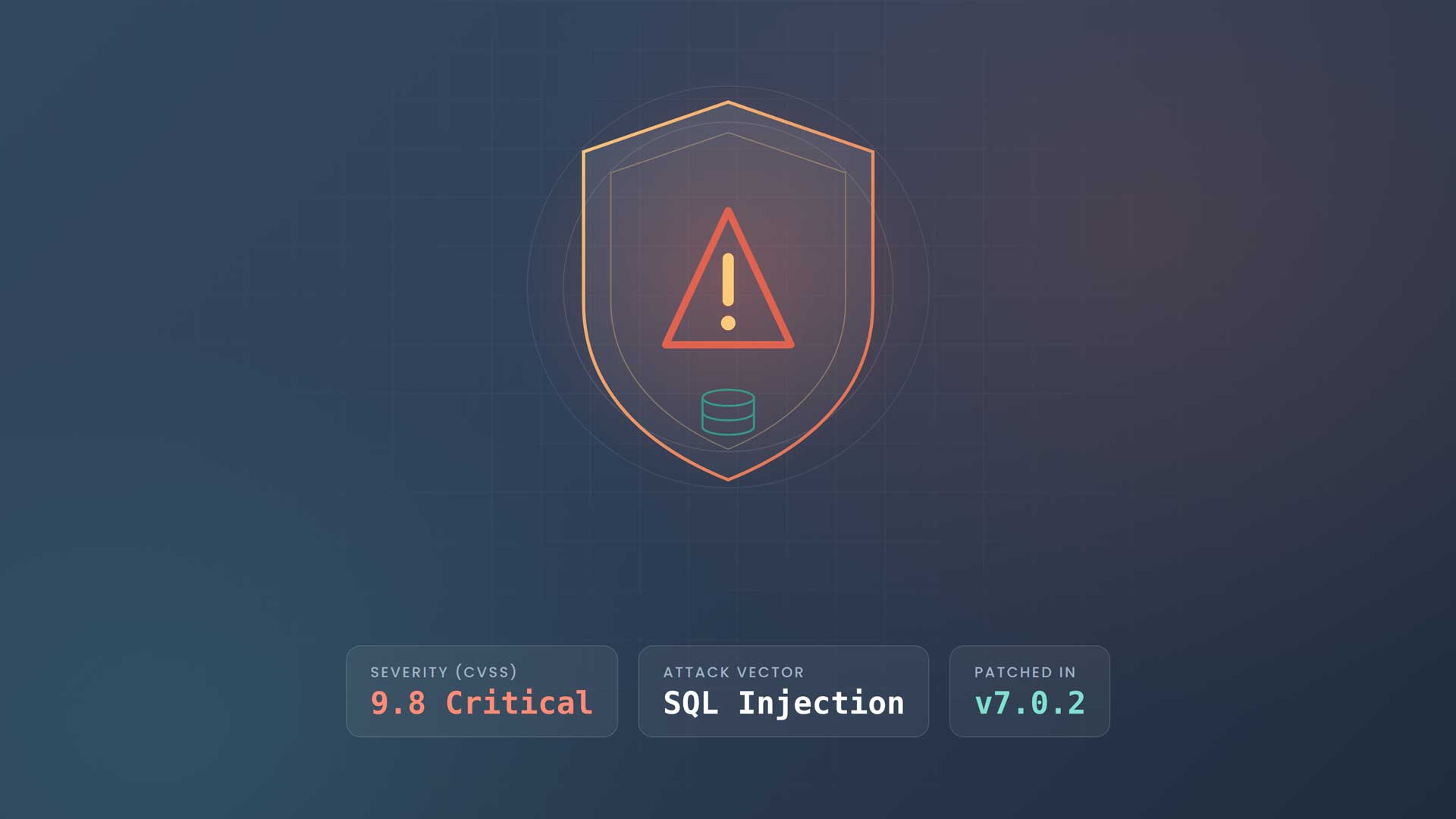
Critical WordPress Vulnerability (CVSS 9.8): Update to 7.0.2 Right Now
Note: Terminus Agency clients are already protected from this vulnerability.
A critical, actively dangerous security hole was just disclosed in WordPress core, and if your site is running any version up to and including 7.0.1, it is exposed right now. This one earns a CVSS score of 9.8 out of 10 — about as severe as vulnerabilities get — and it requires no login, no password, and no user interaction for an attacker to exploit.
If you manage a WordPress site and you have not yet updated, stop reading and go update. Then come back and read the rest of this.
The announcement
On July 17, 2026, Patchstack published an advisory for an unauthenticated SQL injection vulnerability in WordPress core, affecting all versions up to and including 7.0.1 and patched in 7.0.2. Because no authentication is required and the flaw touches the database directly, Patchstack classifies it as high-priority and warns it is “expected to become exploited,” with real potential for mass-exploitation campaigns hitting large numbers of sites at once.
You can read the two authoritative sources here:
- Patchstack advisory: WordPress Core <= 7.0.1 — Unauthenticated SQL Injection
- Official WordPress.org release: WordPress 7.0.2 Security Release
The official WordPress announcement confirms this is a security release addressing one critical and one high-severity issue, and that the severity was serious enough for the WordPress.org team to enable forced updates through the auto-update system. When the core team pushes a forced update, that is your signal the threat is real and immediate.
What to do if you haven’t updated yet
Terminus Agency’s recommendation is simple and non-negotiable: update to WordPress 7.0.2 immediately. Here is exactly what we advise every site owner do today, in order.
First, update WordPress core to 7.0.2 (or the appropriate patched release for your branch — 6.9.5 and 6.8.6 were also issued for older supported versions). You can do this from your WordPress Dashboard under Dashboard → Updates, or by downloading the release directly. If your site is on WordPress.org’s auto-update system, the forced update may already have applied it — but verify, don’t assume.
Second, confirm the version actually changed. Check the bottom-right of your dashboard or your site’s Site Health screen to make sure you are genuinely on a patched release and the update didn’t silently fail.
Third, take a fresh backup before and after, so you have a clean restore point.
Fourth, look for signs of compromise. Because this flaw was disclosed publicly, opportunistic scanning starts within hours. Review recent admin users, check for unfamiliar files, and scan for unexpected database changes. If anything looks off, treat the site as potentially breached and get professional help.
Fifth, if you can’t update right this moment, put a virtual patch or web application firewall (WAF) rule in front of the site. Patchstack has issued mitigation rules to block these attacks until systems are updated — but this is a stopgap, not a substitute for patching.
If you’re a Terminus managed-hosting client, you don’t need to do any of this. Your site was patched as part of our monitoring and maintenance process. That’s the entire point of managed maintenance — you found out about this vulnerability from our blog, not from your site going down.
What the vulnerability actually is
SQL injection is one of the oldest and most damaging classes of web vulnerability — it sits in the OWASP “Injection” category for good reason. In plain terms: your website talks to a database that stores everything — user accounts, passwords (hashed), posts, orders, customer records, configuration. A SQL injection flaw lets an attacker sneak their own database commands into that conversation through an input the application failed to properly sanitize.
The reason this particular flaw is a 9.8 and not a 6 is the word unauthenticated. The attacker doesn’t need an account. They don’t need to trick a logged-in admin. They can hit the vulnerable endpoint directly, from anywhere, at scale, with an automated script.
What an attacker could do if you leave it unpatched
Left in place, this vulnerability gives an attacker the ability to interact directly with your database. In practice, that means they could:
- Steal data — dump user tables, email addresses, hashed passwords, customer information, and order history, creating a breach you’d be legally obligated to disclose.
- Extract admin credentials — and use them or a password reset to gain full control of the site.
- Escalate to full takeover — the official WordPress release notes that a related issue chains a REST API flaw with SQL injection to enable remote code execution. RCE is the worst case: it means running arbitrary code on your server, which can lead to defacement, malware injection, SEO spam, redirect scams, or using your server as a launchpad for further attacks.
A stolen database and a compromised server aren’t hypothetical inconveniences. They mean customer trust destroyed, potential regulatory penalties, cleanup costs, and lost revenue while your site is offline or blocklisted by Google.
Why “we’ll update it later” is how sites get hacked
Here’s the uncomfortable truth about most WordPress breaches: they don’t happen because of some brilliant, novel exploit. They happen because a site was running software with a known vulnerability that a patch had already fixed — the owner just never applied it.
The most famous example is the Panama Papers — the 2016 leak of 11.5 million documents from law firm Mossack Fonseca, one of the largest data breaches in history. Security analysts at Wordfence traced a likely entry point to the firm’s WordPress site, which was running an outdated version of the Revolution Slider plugin with a well-known, already-patched vulnerability. The site’s core WordPress install was also months out of date. Because the firm’s mail server sat on the same infrastructure as its neglected website, attackers were able to pivot from the vulnerable plugin into the email system and exfiltrate a staggering volume of confidential client documents.
The lesson is brutal and clear: the vulnerability that took down a global law firm wasn’t a zero-day. It was a patch that existed and simply hadn’t been applied. Maintenance — not luck — is what stands between a routine update and a career-ending breach. (Sources: The Register, Wordfence.)
Stop patching by hand. Let us handle it.
Every WordPress site is a moving target. Core, themes, and plugins all get updated constantly, and every one of those updates can carry a security fix you can’t afford to miss. Keeping up with that manually — while running your actual business — is a losing game. The Panama Papers proved what happens when maintenance slips.
Terminus Agency’s WordPress Hosting & Maintenance service is built exactly for moments like this. We monitor the vulnerability feeds, test and apply core and plugin updates, run WAF and virtual patching for zero-day windows, maintain off-site backups, and watch for compromise around the clock — using security operations best practices so a headline like this one is our problem to solve, not yours to panic over.
Don’t wait for the next 9.8 to find out whether your site is covered.
👉 See our WordPress Hosting & Maintenance service and let us take site security off your plate for good.
Sources: Patchstack — WordPress Core Unauthenticated SQL Injection · WordPress.org — 7.0.2 Security Release · The Register — Panama Papers: Unpatched WordPress, Drupal bugs to blame? · Wordfence — Mossack Fonseca Breach